
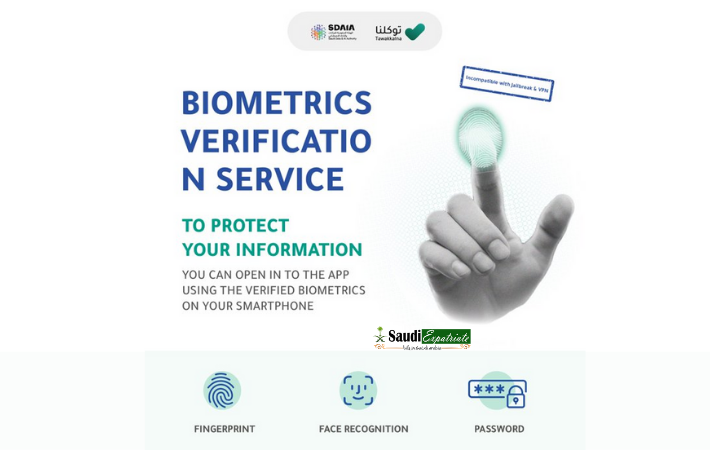
Tawakkalna app in Saudi Arabia has been used across Saudi Arabia. It provides 100’s of Services for people living in the kingdom. Now it has added a new feature to improve security with biometric verification. Due to this initiative of Tawakkalna app an additional security will be provided to protect your information on smartphones.
Once you enable biometric on Tawakkalna app, It will only open with fingerprints, Face recognition or Password.
Biometric Verification by Tawakkalna App
How to Enable Biometric Verification on your Smart Phones
– Open Tawakkalna App
– Go to My Profile Option
– Scroll down to bottom and Validate Biometrics
– Enable it
Your data and personal information are always safe on Tawakkalna
Improve security with the biometric verification service. Activate it now
Make Sure you’re updating your Tawakkalna app regularly for securit& software updates
Your data and personal information are always safe on Tawakkalna
Improve security with the biometric verification service.
Activate it now pic.twitter.com/rTr5o6Wj6v
— تطبيق توكلنا (@TawakkalnaApp) September 3, 2021